General annotation tools
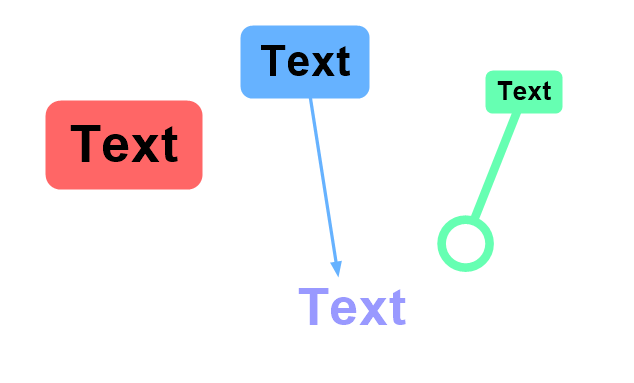
Text
 Text
Text
The text tool can be used to create small labels. It has an optional “leg” with an arrow or circle at the end to point at things or circle them.
The width of the leg can be configured independently of the text size. The background can be transparent or filled.
To edit the text of an existing label, double click it and start typing. To change the font size visually you can drag the bottom right corner of the label.
Numbers
 Numbers
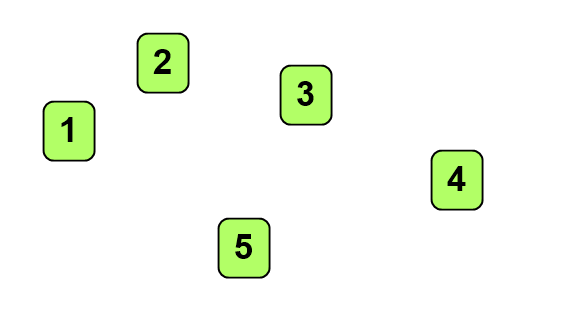
The number tool can be used to add consecutive numbers.
There is only one number sequence per video, all the numbers are using the same style and size and are part of the same sequence. Using the delete menu only removes that particular number.
Stickers
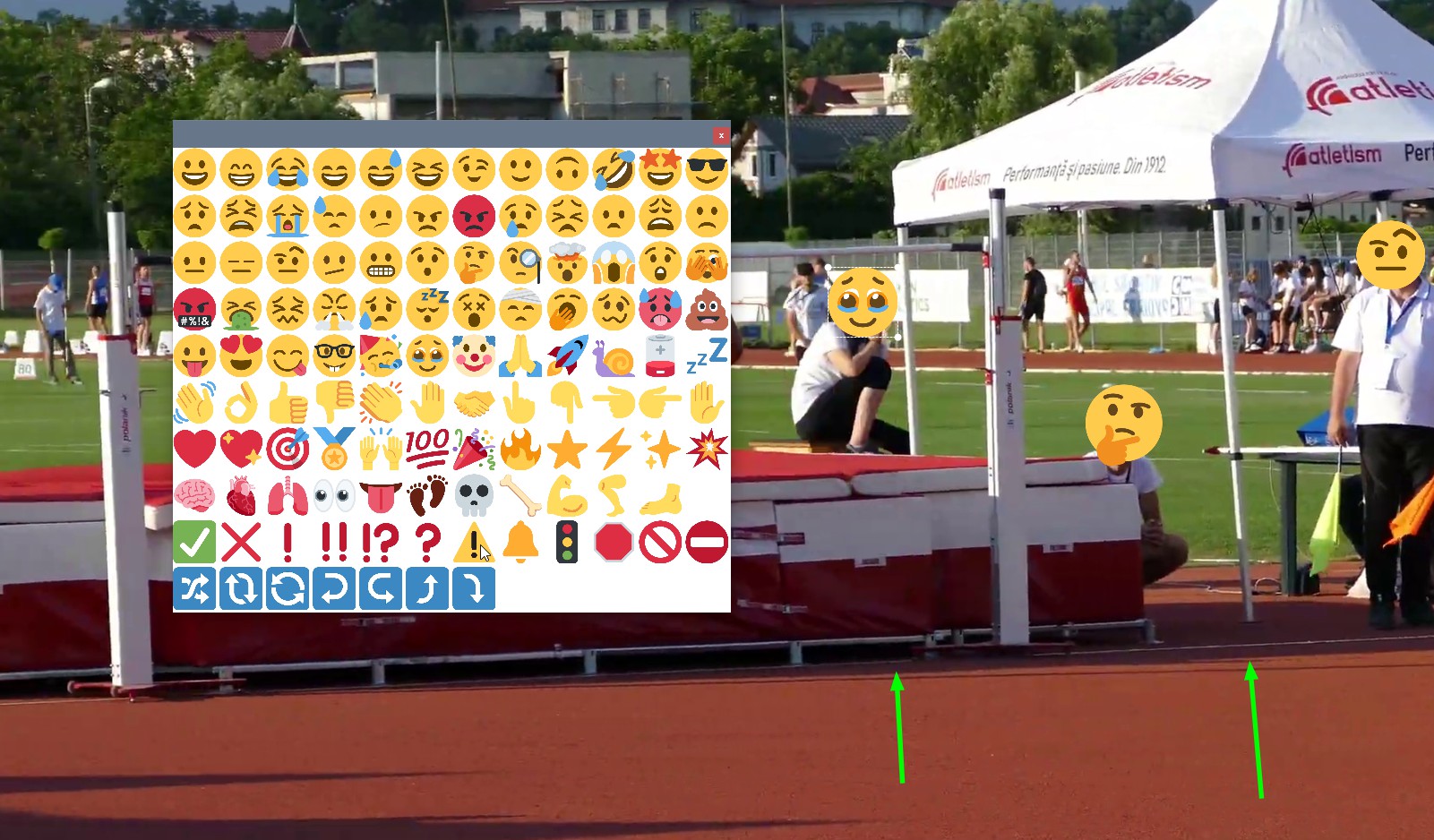
Stickers are pre-defined emoji images that can be added to the video to quickly illustrate a point without the need to create a text object or attach a comment.
To change the emoji used by a sticker double click it to open the selection dialog.
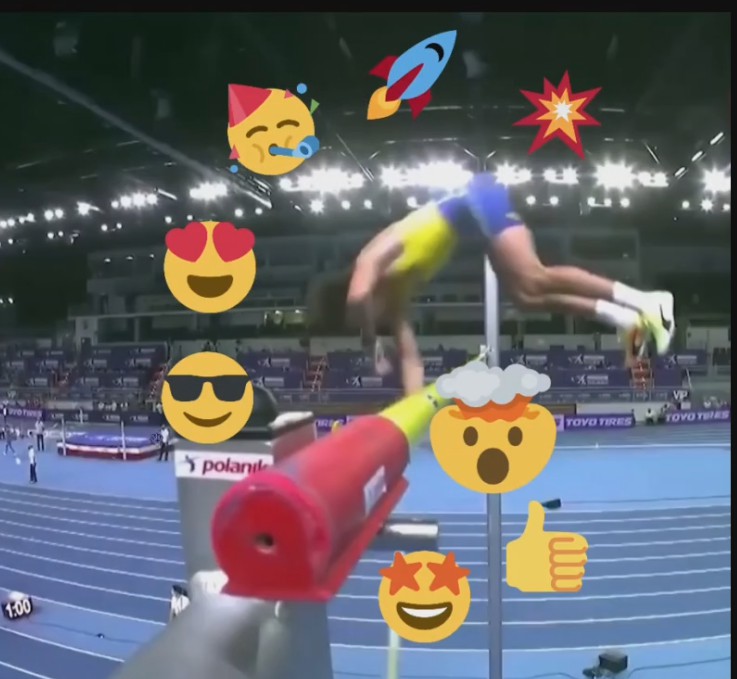
Stickers can also be used for anonymization purposes on static images.
Pencil
 Pencil tool
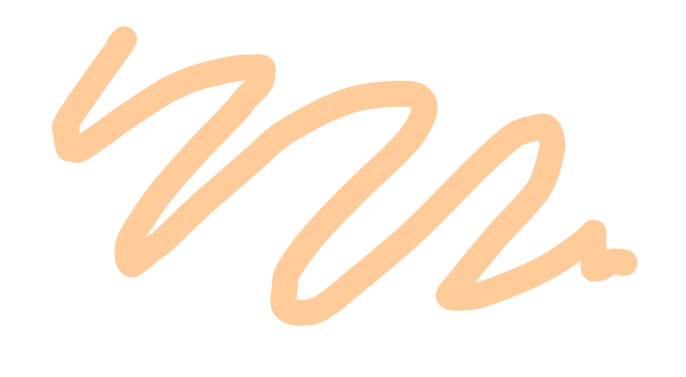
The pencil tool is used to create free-hand drawings. The width of the stroke can be modified afterwards but the path is fixed.
Line family
 Line
Line Curve
Curve- Polyline
 Rectangle
 Circle
 Distance horizontal
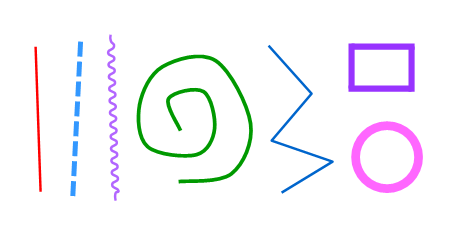
The line tool and the circle tool can also be used to measure segment lengths and the radius or circumference of circles, see Measuring positions and distances for more information.
Furthermore the line tool can be used as a calibration stick. See Spatial calibration for more information.
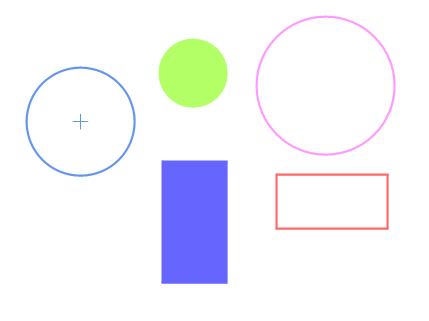
The circle and rectangle tools have an option toggle to be drawn as filled shapes. The circle tool also has an option toggle to draw its center.
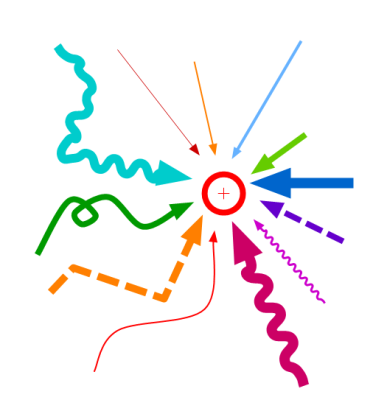
Arrow family
 Arrow
Arrow Arrow - Dash
 Arrow - Squiggly
 Arrow - Curve
 Arrow - Polyline
 Arrow - Polyline dash
- Arrow - Polyline squiggly
Marker
 Marker tool
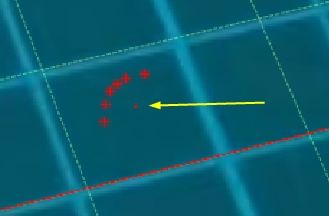
The marker tool identifies the location of an object or joint. See also: Measuring positions and distances.
It has an option toggle to be displayed as a single-pixel dot.
Angle family
 Angle tool
 Goniometer
 Angle to horizontal
 Angle to vertical
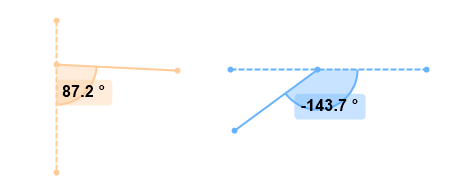
Tools in the angle family measure angles on a particular plane.
The angle tool has options to choose the angle orientation. It also has an option to display the full circle instead of just the angle arc, in order to make it clearer that the measurement is sitting in a particular plane.
See also: Measuring angles.
Stopwatch family
 Stopwatch
 Clock
Clock
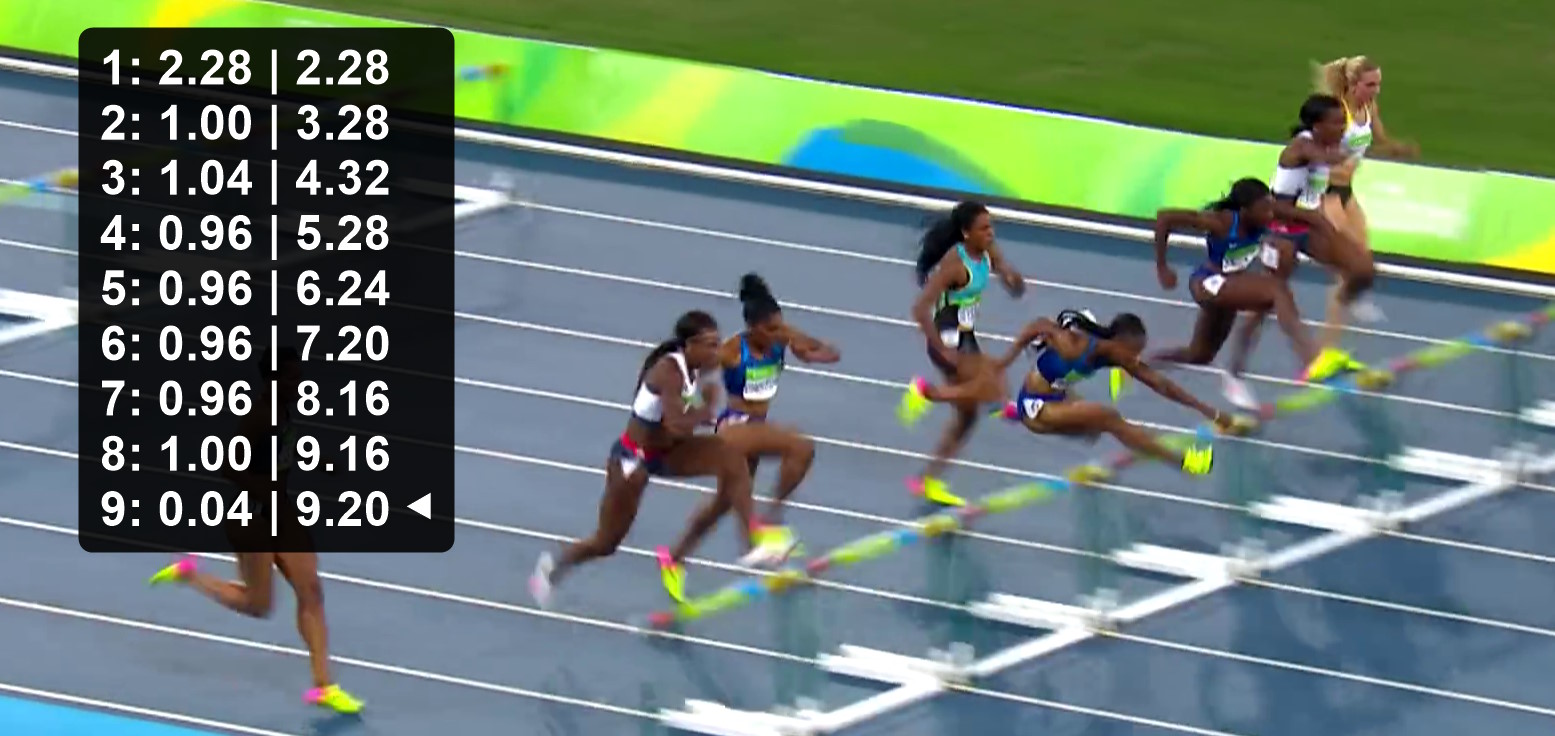
The stopwatch is used to measure one or more time intervals, can associate a label and a tag with each time segment.
The clock tool shows the video time relatively to a specific frame and can be used as a simple count down.
See also: Measuring time.
Counter
 Counter
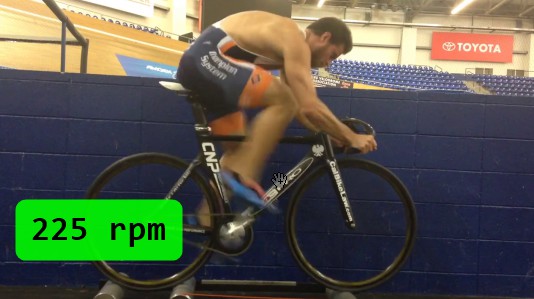
The counter tool is used to count occurrences of an event or cycle. It can be used to measure cadence or repetitions.
See also: Counting events and measuring cadence.
Grid tools
 Perspective grid
 Grid
Grid
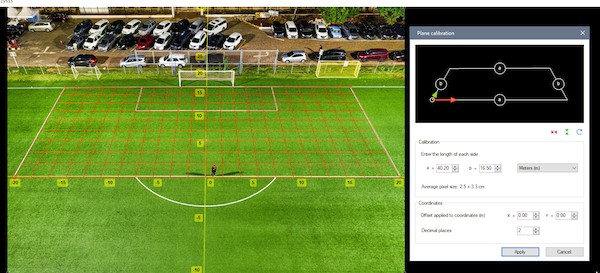
The grid tools are used to materialize a plane of motion or are used for calibration purposes.
See also: Spatial calibration.
Spotlight tool
 Spotlight tool
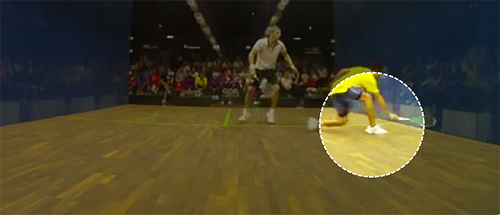
The spotlight tool is used to highlight a particular area of the image by dimming the rest. Multiple spotlights can be added throughout the video.
Magnifier
 Magnifier
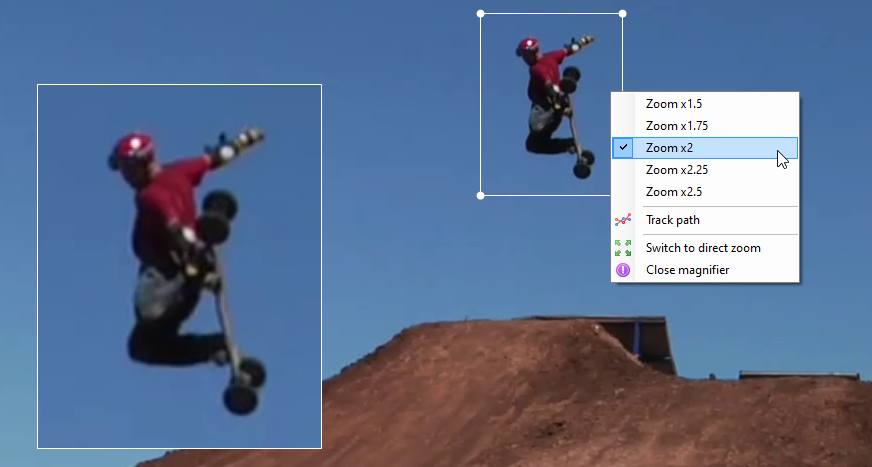
The magnifier creates a picture-in-picture effect with an enlarged version of the current image displayed within the original image. This is a display mode rather than a normal drawing tool, it is not saved in the KVA file.