Comparison
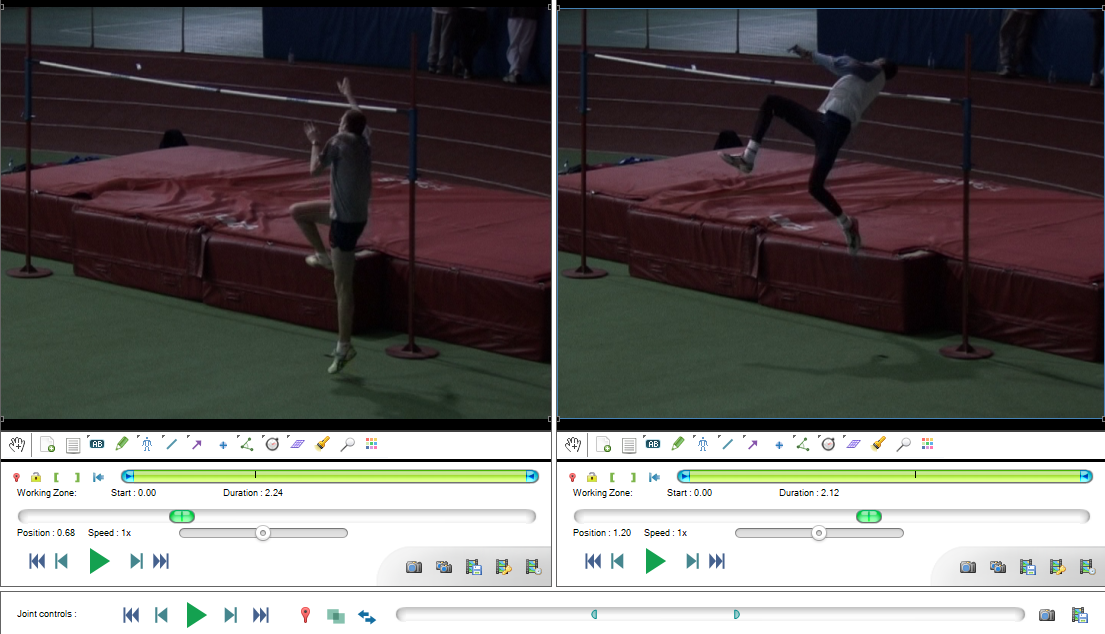
Comparison
Two videos can be opened side by side using the Two playback screens button or the menu .
The timeline cursor in each playback screen can be moved independently.
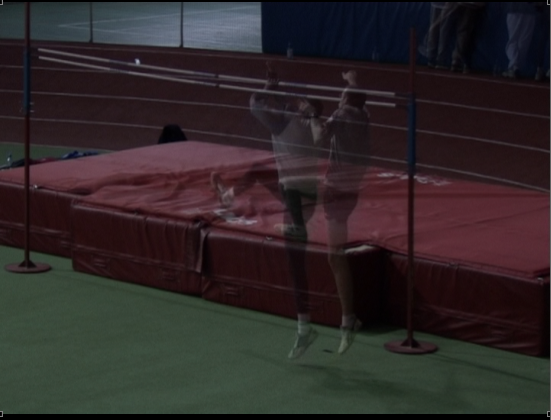
Superposition
Superposition paints each video on top of the other at 50% opacity. This is a basic mechanism to compare motion in-situ if the videos were filmed in the same environment with a static camera.