Kinovea reference manual

Welcome to the manual for Kinovea.

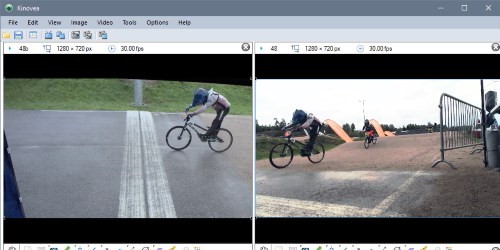
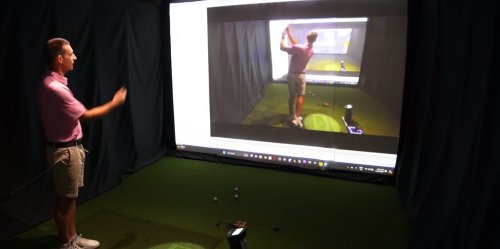
Kinovea is a video annotation tool designed for motion analysis in sport. Its main features revolve around the study and capture of short sport video sequences.

For a single-page overview of the features of Kinovea check the Features page on the website.

Tip

This manual can be used offline: download the manual (zipped web pages).

The sections below and the table of content on the left side let you access the documentation for your topic of interest. You can also use the search function in the top left corner.
_images/userinterface.jpg
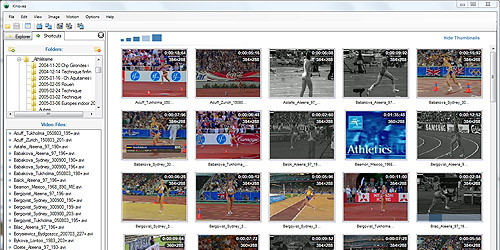
User interface

The main window, basic concepts and the preference pages.

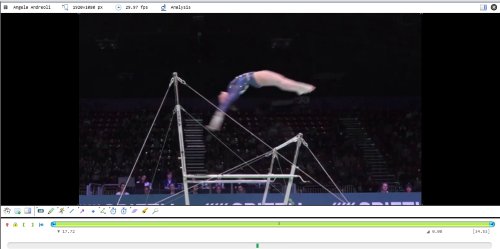
_images/observation3.jpg
Observation

Visual inspection, image adjustment, stabilization and kinograms.

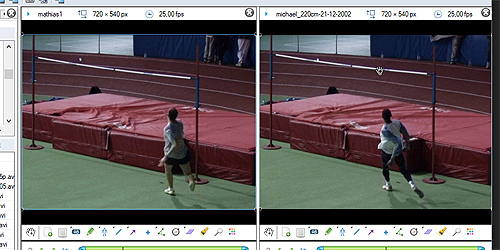
_images/comparison.jpg
Comparison

Comparing and synchronizing two videos side by side.

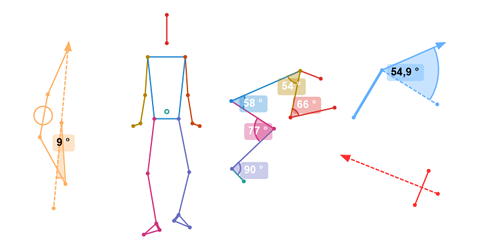
_images/annotation.png
Annotation

Tools to annotate videos, mark key moments and study posture.

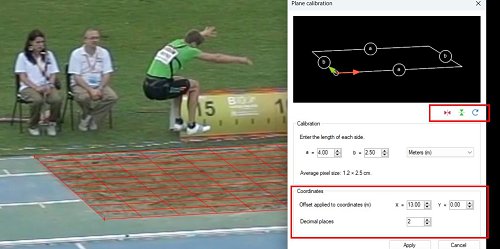
_images/measurement.jpg
Measurement

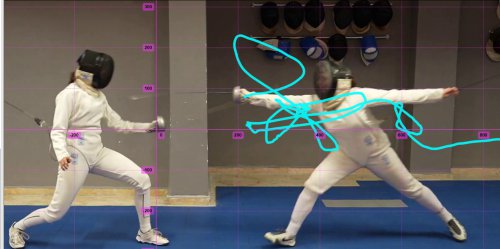
Calibration and measuring times, cadence, distances and angles.

_images/tracking2.jpg
Tracking

Tracking points and objects, and compensating for camera motion.

_images/kinematics.png
Kinematics

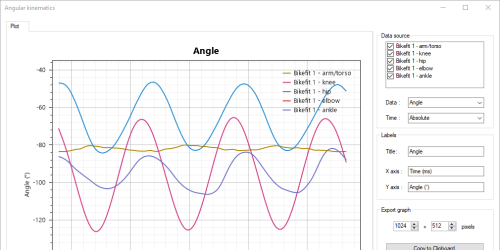
Plotting and exporting kinematics diagrams.

_images/export.png
Export

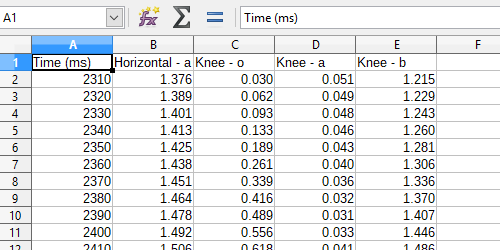
Exporting videos, images, reports and spreadsheets.

_images/cameras2.jpg
Capture

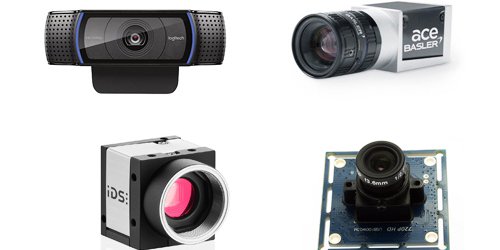
Capture system, camera management and supported camera types.

_images/capture.jpg
Recording

Recording options, capture folders, triggers and context variables.

_images/delay-replay.jpg
Delay & Replay

Live delay and instant replay mechanism.

_images/advanced.jpg
Advanced

Multi-tasking, automation, command line interface, programmatic control.

Misc

FAQ, updating and general information about the project.

This manual is maintained by volunteers. If you find something that is confusing, wrong, or otherwise needs to be edited, let us know.