Inserting images and vector drawings
Inserting external images
You can insert images and SVG vector drawings into videos to create a picture in picture effect.
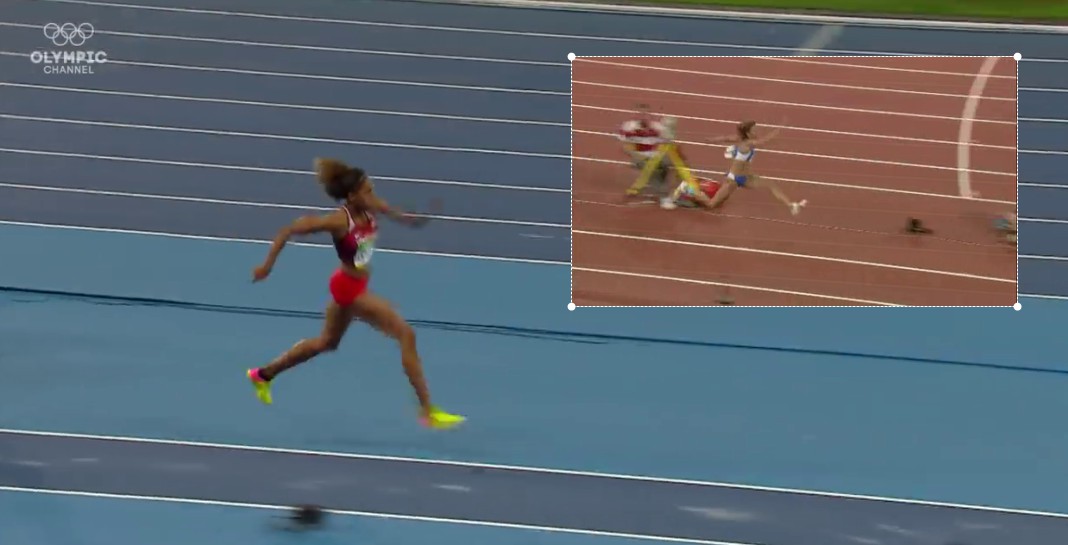
To import an image or SVG file into the current video use the menu .
To import an image that you have copied to the clipboard in another application, right click the video background and use the menu .
To transfer an image from one screen to the other, use the menu and then paste it in the other video.