Synchronization
The synchronization system supports both synchronized playback and synchronized frame by frame navigation of two videos.
The videos can be heterogenous:
different frame rates
different durations
different image sizes
different capture frame rates (one video is slow motion and not the other)
Synchronization point
Two videos can be synchronized by setting their time origin to a common event visible on both videos. When the videos are synchronized they will pass through their time origin at the same time.
To set the time origin in a video move to that point in the video and click the Mark current time as time origin button or right click the background of the video and choose the menu. Alternatively you can move each video to the correct point independently and use the Synchronize videos on the current frames button in the joint controls area.
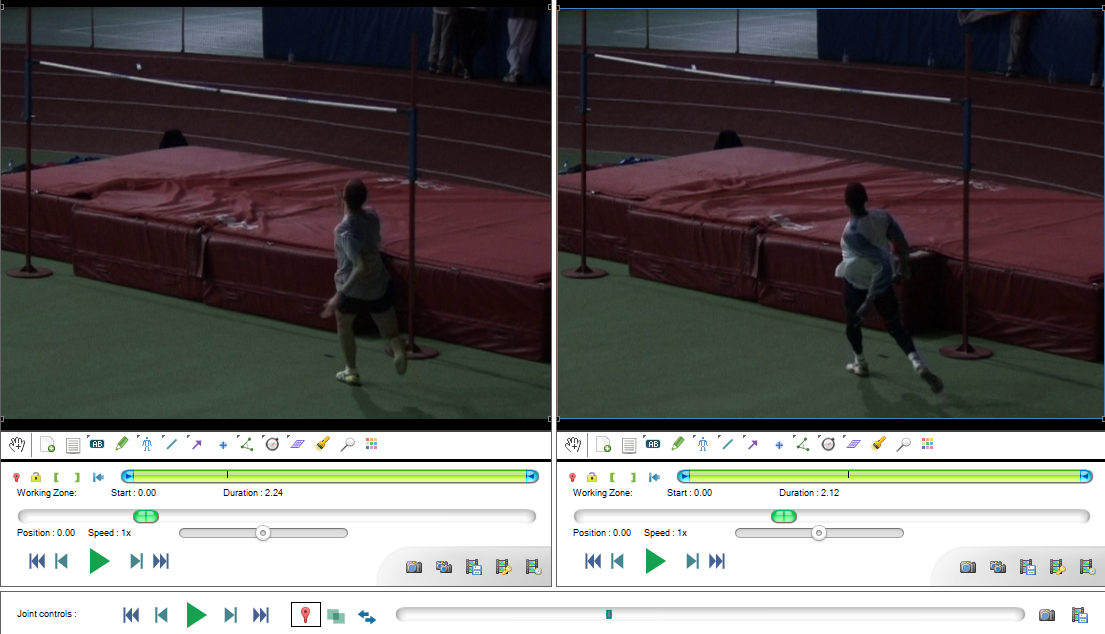
During joint-playback, one video may start and/or end playing before the other. They will then join up at the end of their respective loop and restart the cycle.
To perform joint frame-by-frame navigation, move the cursor in the joint timeline or use the joint controls buttons.
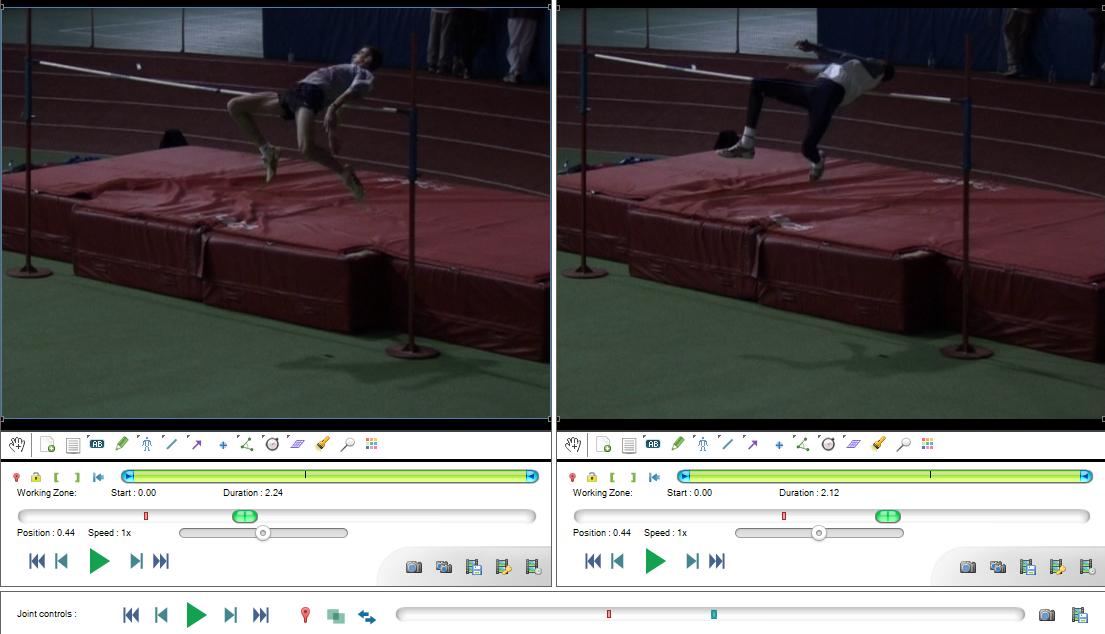
Joint controls

The playback controls are the same as for individual playback screens but act on both videos at the same time.
The other buttons have the following functions:
 Set the time origin in both videos to their respective current time.
 Enable or disable superposition of the videos into one another.
 Swap the playback screens.
Linked speed controls
By default the speed controls in each playback screen are linked with each other: lowering the playback speed in one video lowers it in the other.
The speed controls are independent of the frame rate of the video files so this should apply a similar slow motion factor to both videos and keep the comparison meaningful.
Tip
If one of the video was captured with a high speed camera and has a different capture frame rate, this frame rate should be configured for this video via menu . Once this configuration is done both controls will still be coherent with each other.
If you are confident that you do not want the speed sliders to be linked together you may change the option in .
Dual replay
Normally in the capture-replay workflow the captured video is replayed as soon as possible by the replay screen after it is created.
In the case of a dual replay scenario where both player screens are replay folder observers monitoring the capture folder of their respective capture screen, the synchronization engine waits for both videos to be available before starting the playback.